
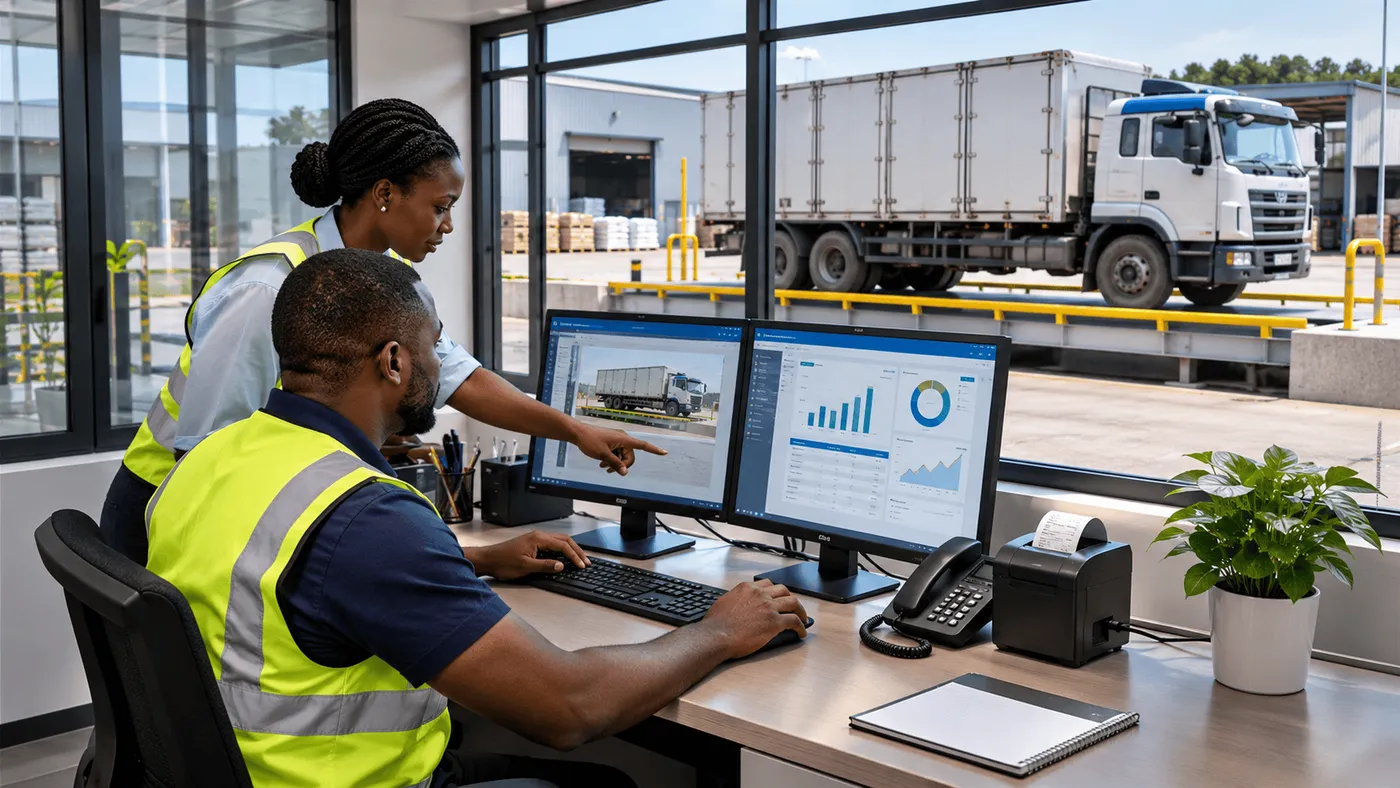
Introduction: Why Businesses Need Better Visibility into Weighbridge Operations
For businesses that handle large volumes of goods, raw materials, agricultural produce, construction materials and commercial transportation, accurate truck weighing is an essential part of daily operations.
However, installing a digital weighbridge is only one part of an effective weighing management system. Businesses also need reliable ways to monitor weighing activities, access transaction records, and ensure that authorized personnel can review weighing operations without necessarily being physically present inside the weighbridge control room.
This is particularly important for organizations operating large warehouses, manufacturing facilities, quarries, logistics terminals, distribution centers, and agricultural processing plants.
A common question from businesses investing in a truck weighbridge system is:
Can I monitor my weighbridge operations from another office or location without being physically present in the weighbridge control room?
The answer is yes. There are several practical ways to achieve this, depending on the facility's layout, IT infrastructure, and monitoring requirements.
At Kira Scales Limited, we help businesses understand the available options and implement suitable solutions for their weighing operations.
In this guide, we discuss three practical methods of monitoring weighbridge operations, accessing weighing records, and improving visibility across your facility.
1. HDMI Screen Mirroring: Real-Time Weighbridge Monitoring Within the Same Facility
One of the simplest and most practical solutions for monitoring weighbridge operations within the same facility is an HDMI connection.
This option is particularly suitable for businesses where the weighbridge control room is located some distance from the main administrative office, warehouse or operations department, but both locations are within the same premises.
How Does It Work?
An HDMI cable is connected from the computer operating the weighbridge software in the control room to another television or monitor installed in the desired viewing location.
With this connection, the computer screen is mirrored on the second display.
This means that whatever is displayed on the weighbridge control room computer can also be viewed on the connected television or monitor.
For example:
When a truck drives onto the weighbridge, personnel in the office can observe the weighing interface.
When the operator records a transaction, the activity can be viewed on the secondary display.
When weighing information appears on the control room computer, it can also be seen from the connected screen.
Advantages of HDMI Monitoring
Provides live screen viewing without requiring internet access.
Allows management and supervisors to observe weighing activities from another room.
Does not require additional remote-monitoring software.
Provides a straightforward connection between the control room and the viewing office.
At Kira Scales Limited, we can provide this connection as part of the installation arrangement where the facility layout and cable distance are suitable.
For longer distances, appropriate HDMI extension equipment may be required.
Best suited for: Factories, warehouses, logistics facilities and industrial sites where the weighbridge control room and management office are within the same premises.
2. Remote Desktop Connection: Monitor Weighbridge Operations From Another Location
For businesses that need to monitor weighbridge activities from a different building, another branch or even a remote location, a Remote Desktop solution may be considered.
Remote Desktop technology allows an authorised user to access or view another computer over a network or internet connection.
In this arrangement, the computer running the weighbridge software remains in the control room, while an authorised manager or supervisor accesses its screen from another computer.
How Does It Work?
A suitable Remote Desktop application is installed and configured on the relevant computers.
Once properly configured, an authorised user can connect to the weighbridge control room computer and view its screen remotely.
Depending on the selected application and configuration, the user may also be able to interact with the computer, although viewing-only access is preferable where management only needs to monitor weighing activities.
This approach can be useful for:
Company directors monitoring operations from their offices.
Head offices supervising weighing activities at remote branches.
Logistics managers monitoring weighbridge operations from another location.
Management teams reviewing activities without physically visiting the control room.
Important Considerations
Remote Desktop applications are provided by third-party software developers. The choice of application, installation, network configuration, and access permissions should be handled by the client's IT team.
Kira Scales Limited can recommend considering this approach, but we do not install or configure third-party Remote Desktop applications for clients.
Businesses should also ensure that appropriate security measures, user authentication and access restrictions are implemented to prevent unauthorized access to the weighbridge computer.
Best suited for: Companies that require remote visibility of weighbridge operations from different offices, branches or geographical locations.
3. Exporting Weighbridge Records to Excel, Word or PDF
Another practical method of accessing weighbridge information is through the export functionality available in the weighing management software.
This approach is particularly useful for businesses that need to maintain records, share transaction information with management, or integrate weighing data into their existing reporting processes.
How Does It Work?
The weighbridge software records weighing transactions as trucks are processed.
After transactions have been completed, the operator can export the available records into supported formats, including:
Microsoft Excel.
Microsoft Word.
PDF documents.
These exported records can then be shared with management, accountants, logistics departments, auditors, or other authorised personnel.
Using Excel for Shared Weighbridge Records
Businesses that already operate shared digital workspaces can also consider using Excel as part of their reporting workflow.
For example, an organization may use a shared Excel workbook or a compatible business platform where authorized personnel can access uploaded weighing records.
Once the operator exports the records from the weighbridge software, the files can be uploaded to the shared workspace for other authorized users to access.
This provides a convenient way to distribute weighing information across departments without requiring everyone to access the weighbridge control room computer.
It is important to understand that this process depends on exporting and sharing records. It does not automatically provide live weighing visibility unless a separate integration or automated data transfer solution has been developed.
Best suited for: Businesses that require transaction records, periodic reporting, documentation, audit trails and sharing of weighing information across departments.
Does Weighbridge Software Support Real-Time Remote Monitoring?
Not all digital weighbridge systems offer the same software capabilities.
While some advanced weighing management platforms may support network-based monitoring, remote dashboards, and automated data synchronization, other systems are primarily designed to record transactions and generate reports.
The weighing software currently supplied with our standard configuration supports the export of weighing records into Excel, Word, and PDF formats. However, it does not currently provide a dedicated feature for remote, real-time viewing of weighing activities.
This distinction is important when selecting a weighbridge system for a business.
If your organization requires remote monitoring, it is advisable to communicate this requirement before purchasing the equipment so that the appropriate monitoring arrangement can be considered.
At Kira Scales Limited, we discuss these requirements with clients and help identify practical solutions based on their operational environment.
Which Weighbridge Monitoring Solution Should Your Business Choose?
The best solution depends on where you intend to monitor the weighing activities and how frequently you need access to the information.
Here is a simple comparison:
Monitoring methodMain functionSuitable environment
HDMI connection
Live screen mirroring
Same facility
Remote Desktop
Remote computer access and screen viewing
Different offices or locations
Excel, Word or PDF export
Sharing completed weighing records
Multiple departments and locations
For businesses operating within one facility, HDMI screen mirroring is often a straightforward option.
For organisations with multiple locations, Remote Desktop may be more appropriate, subject to suitable network infrastructure and security arrangements.
For businesses primarily interested in transaction documentation and reporting, exporting records to Excel, Word or PDF may be sufficient.
Some organisations may also combine these methods to achieve better visibility and record management.
Why Choose Kira Scales Limited for Your Weighbridge Installation in Nigeria?
Selecting a weighbridge supplier involves more than purchasing a weighing platform and digital indicator. It is important to work with a company that understands the equipment, installation requirements and operational needs of your business.
Kira Scales Limited provides weighbridge solutions for businesses across Nigeria, including:
Supply of commercial truck weighbridges.
Digital weighing indicators and load cell systems.
Weighbridge software and weighing management solutions.
Weighbridge installation and commissioning.
Calibration and certification.
Civil works guidance and supervision.
Weighbridge maintenance and technical support.
Integration guidance for weighing data management.
Whether you are setting up a new weighbridge facility or upgrading an existing weighing operation, our team can help you identify a suitable configuration.
We understand that different industries have different operational requirements. A quarry handling hundreds of trucks daily may have different monitoring requirements from a warehouse receiving a few trucks each day.
Our approach is to understand your application before recommending an appropriate weighing solution.
Conclusion: Improve Visibility and Control Across Your Weighbridge Operations
An effective weighbridge installation should provide more accurate truck weight measurements. Businesses also need convenient access to weighing information, reliable transaction records, and appropriate monitoring arrangements.
Whether you require live screen viewing within your facility, remote access from another office or a structured system for sharing weighing records, there are practical options to consider.
The right choice will depend on your facility layout, operational requirements, and existing IT infrastructure.
At Kira Scales Limited, we are committed to helping businesses across Nigeria implement reliable commercial weighing solutions, from equipment supply and installation to calibration, software and technical support.
Planning to install a new weighbridge or improve monitoring of your existing system?
Contact Kira Scales Limited today for technical guidance and a quotation.
Kira Scales Limited
Weighbridge Supply, Installation, Calibration and Technical Support in Nigeria.
Website: https://kirascales.com
Email: sales@kirascales.com
Phone/WhatsApp: +234 803 435 4829
WhatsApp: https://wa.me/2348034354829
Office: 38 Opebi Road, Ikeja, Lagos, Nigeria.
Contact us today to discuss your weighbridge requirements.
Frequently Asked Questions
Can I monitor my weighbridge from another office?
Yes. You can use an HDMI connection for monitoring within the same facility, or a suitable Remote Desktop application for remote viewing from another location.
Can I see truck weighing activities in real time?
Yes, through a suitable screen-mirroring arrangement. HDMI provides live screen mirroring within the same facility, while Remote Desktop can provide remote viewing when properly configured. However, the standard weighing software supplied with our current configuration does not have a dedicated built-in remote monitoring dashboard.
3. Can weighbridge records be exported to Excel?
Yes. The weighing software supports exporting weighing records into Microsoft Excel, Word, and PDF formats. These records can then be shared or uploaded to a shared workspace.
4. Can multiple people access weighbridge records?
Yes. Exported records can be shared with authorised personnel through email, shared folders or compatible cloud-based workspaces.
5. Does Kira Scales install Remote Desktop software?
No. While we can recommend Remote Desktop as a possible monitoring approach, the selection, installation and configuration of third-party applications are handled by the client's IT team.
6. Can Kira Scales connect the weighbridge computer to another television?
Yes. Where the facility layout and cable distance are suitable, we can arrange an HDMI connection to mirror the weighbridge control room computer onto another television or monitor.
7. Can weighbridge monitoring be customised for my business?
Monitoring arrangements depend on the available software, hardware, network infrastructure, and operational requirements. Contact our technical team to discuss your specific requirements and available options.
Kira Scales Limited
Need Industrial Weighing Equipment?
We supply, install, and maintain weighbridges, floor scales, crane scales, and more across all 36 states in Nigeria. Free site survey on all weighbridge projects.